Control Registration and System Settings (Enterprise Edition)
Enable the Registration Whitelist
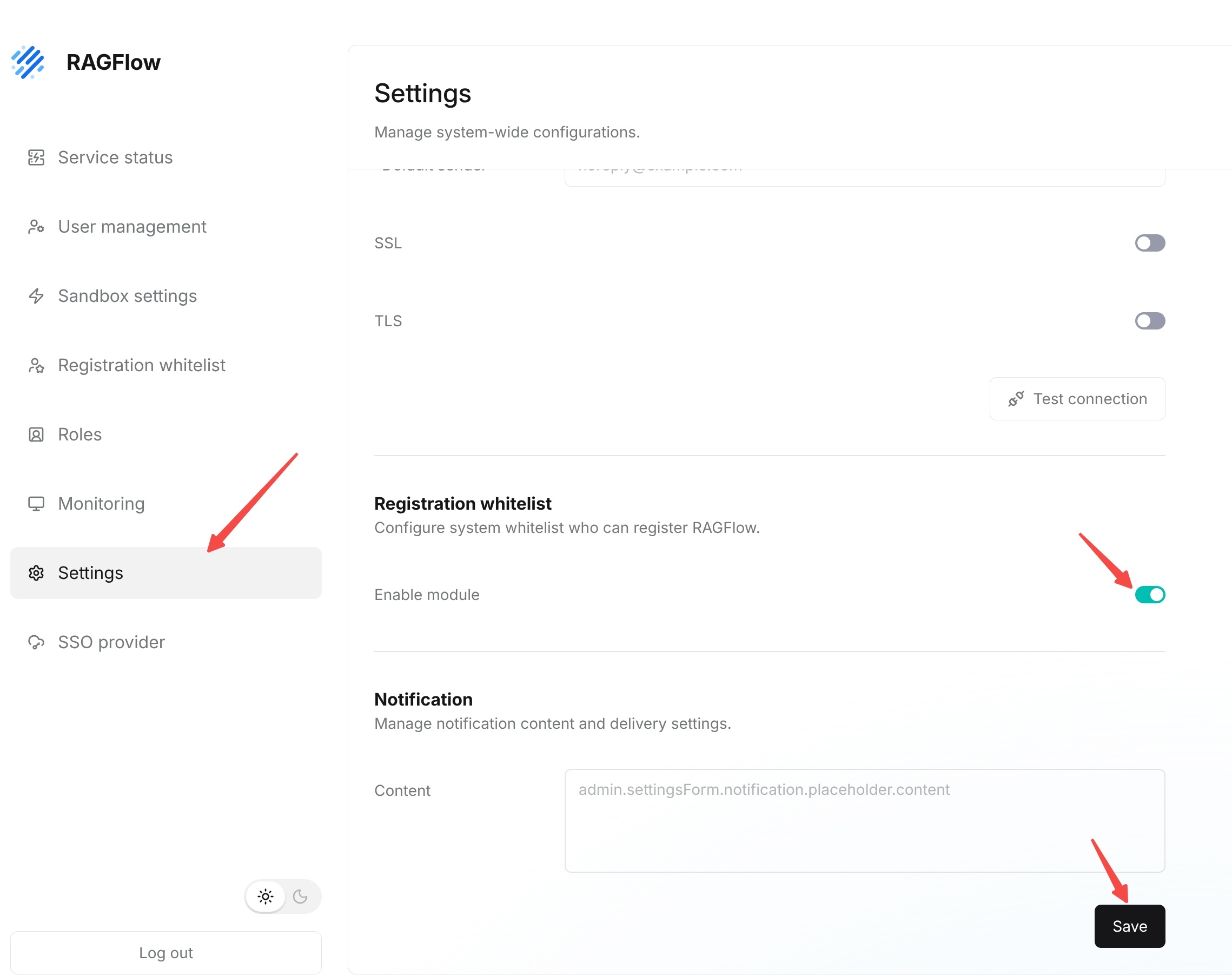
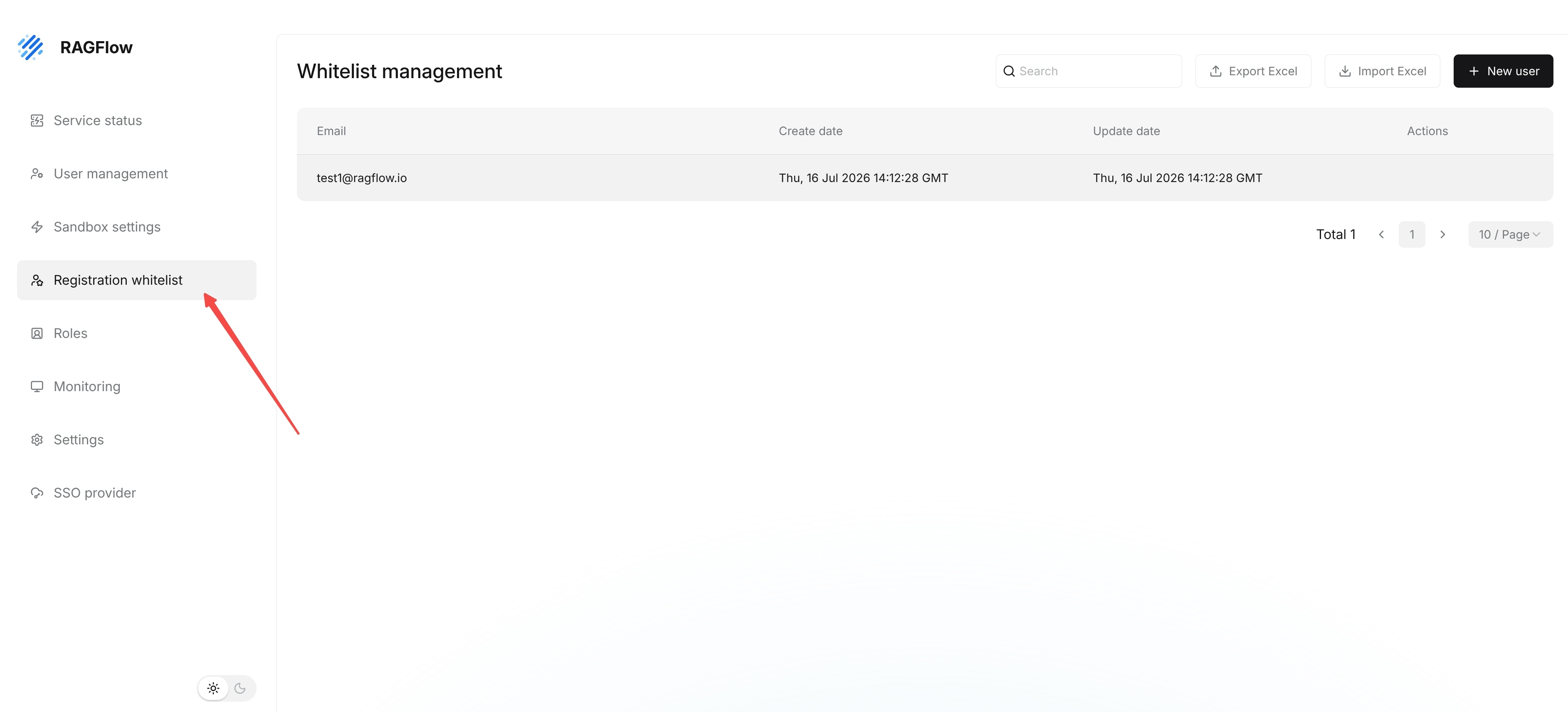
Enterprise Edition can restrict which users are allowed to register through the registration whitelist. To use the registration whitelist, first go to Settings and enable Enable module in the Registration whitelist module. After enabling it, return to Registration whitelist to maintain allowed email addresses or rules.
Manage the Registration Whitelist
Enterprise Edition uses Registration whitelist to control which email addresses can register for RAGFlow. When the system needs to restrict the registration scope, administrators can maintain allowed email addresses in Registration whitelist. After the whitelist is enabled, email addresses that are not in the whitelist cannot complete registration directly.
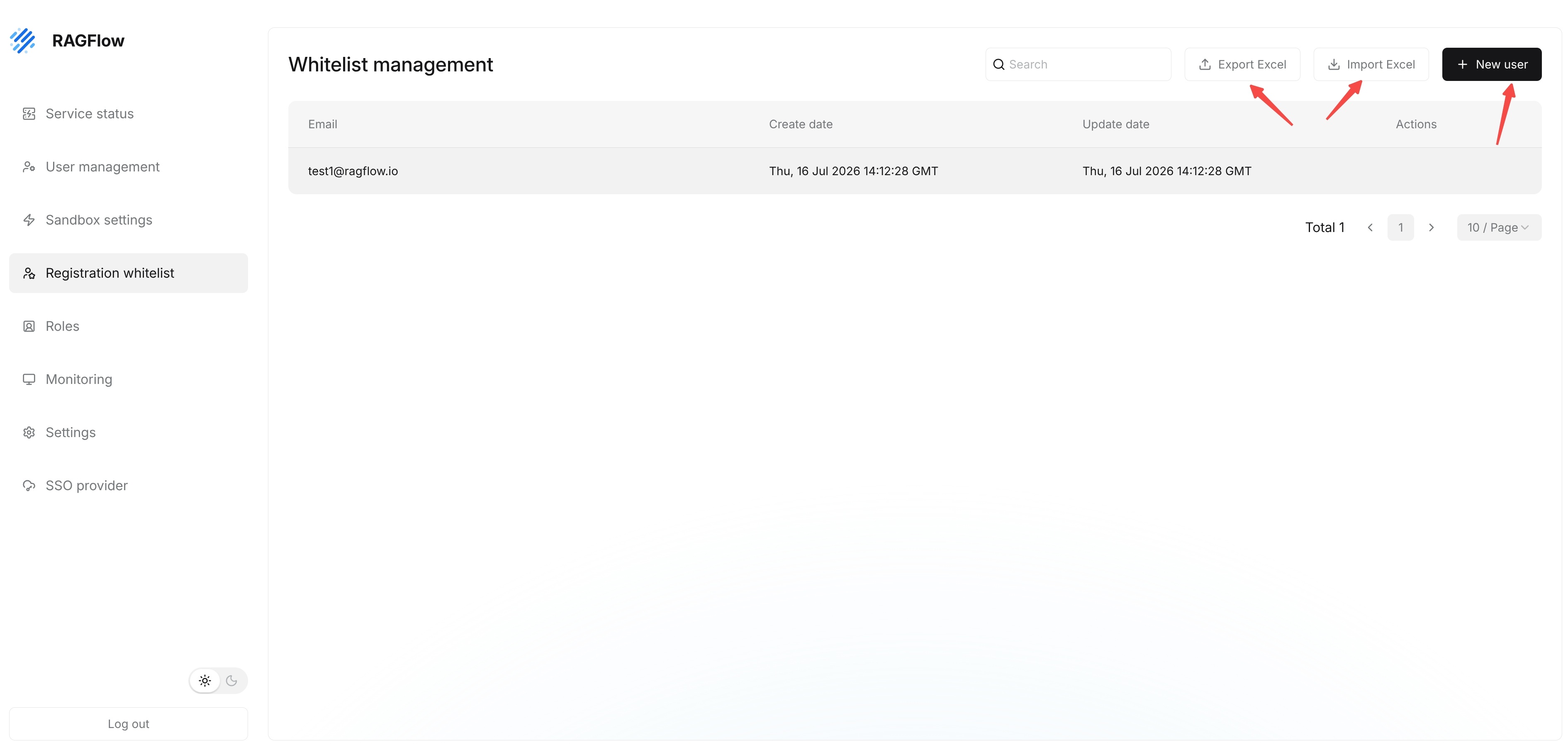
After entering the Registration whitelist page, the page displays Whitelist management. Administrators can view email addresses that have already been added to the whitelist, along with each record's creation time and update time. The list fields include Email, Create date, Update date, and Actions.
The top of the page provides common maintenance operations:
| Operation | Description |
|---|---|
Search | Search whitelist records by email address. |
New user | Add a single email address. |
Import Excel | Import whitelist records in batches. |
Export Excel | Export the current whitelist data. |
The lower-right corner of the page displays the current total number of records, pagination, and page size. To add a single email address, click New user, fill in the email address as prompted, and save it. For batch maintenance, prepare an Excel file first and then import it through Import Excel. After importing, use search to spot-check whether key email addresses appear in the list.