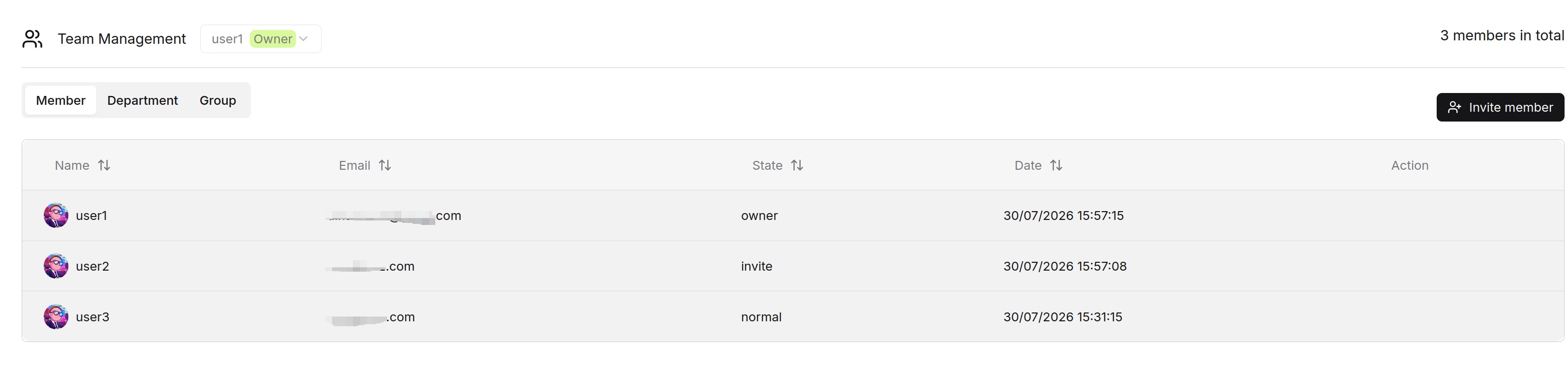
View Current Workspace Members
The Team members list displays members in the current workspace. The owner is not included in the ordinary member list returned by the backend member query.
The list contains the following fields:
| Field | Description |
|---|---|
| Name | The member's nickname. |
| Update date | The time when the membership record was last updated. |
| The member's email address. | |
| Status | The member's team relationship status. normal is displayed as Member, invite is displayed as Invite, and owner is displayed as Owner. |
| Action | Operations available for the current member, such as removing a member when permitted. |
You can search members by nickname or email address, and sort members by Update date.
Only the workspace owner can query and manage the full member list for the workspace.