Accept or Decline an Invitation
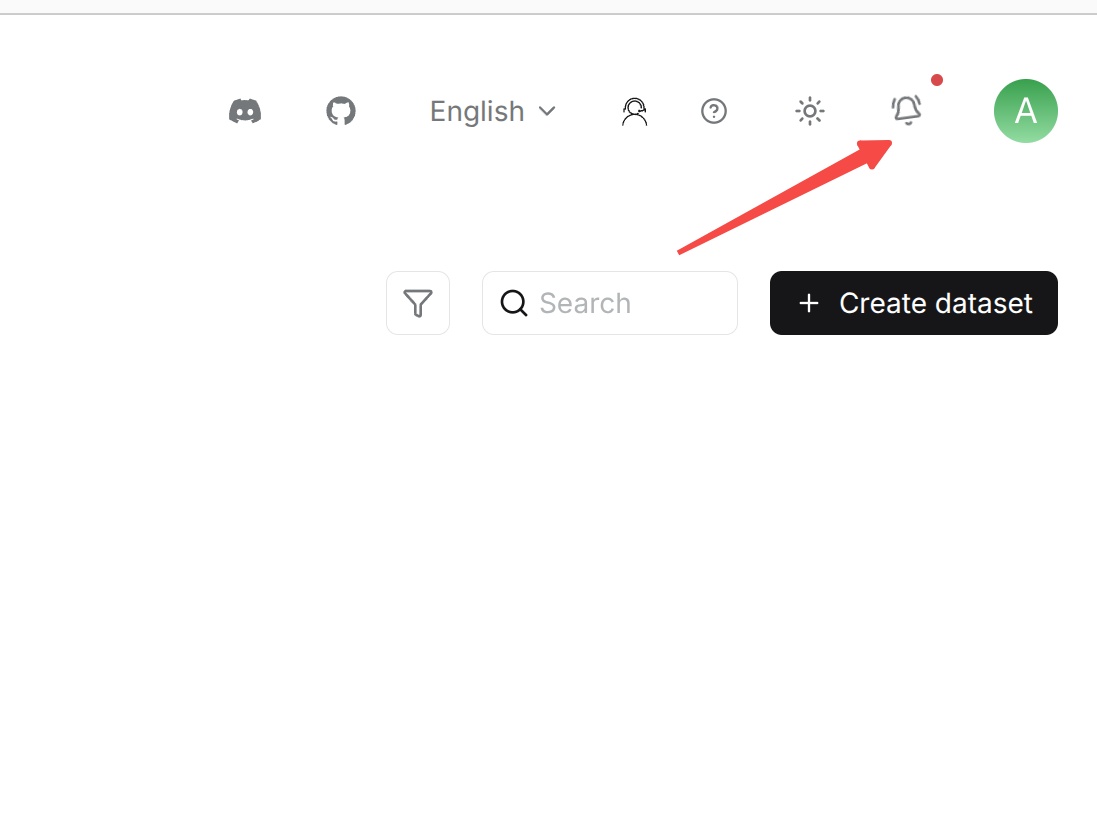
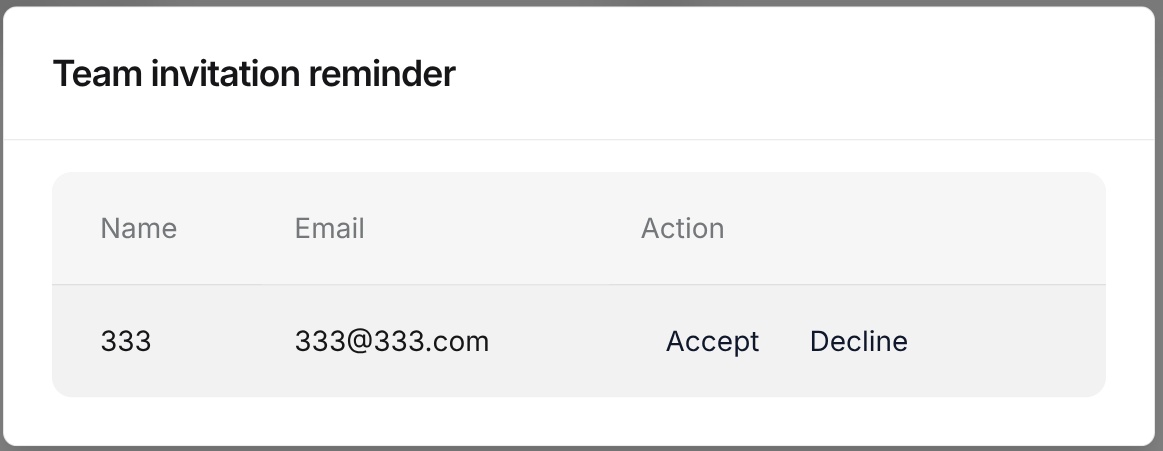
When another team owner invites you to join a team, you can process the invitation on the Team page.
If the membership role is invite, the Joined teams list displays Agree and Refuse operations.
- Click Agree to accept the invitation. The system changes the relationship role from
invitetonormal. - Click Refuse to decline the invitation. The system deletes the invitation relationship.
Only an invitation relationship can be accepted. After accepting an invitation, you can access team-shared resources in that workspace when those resources also satisfy their sharing scope and operation permission rules.