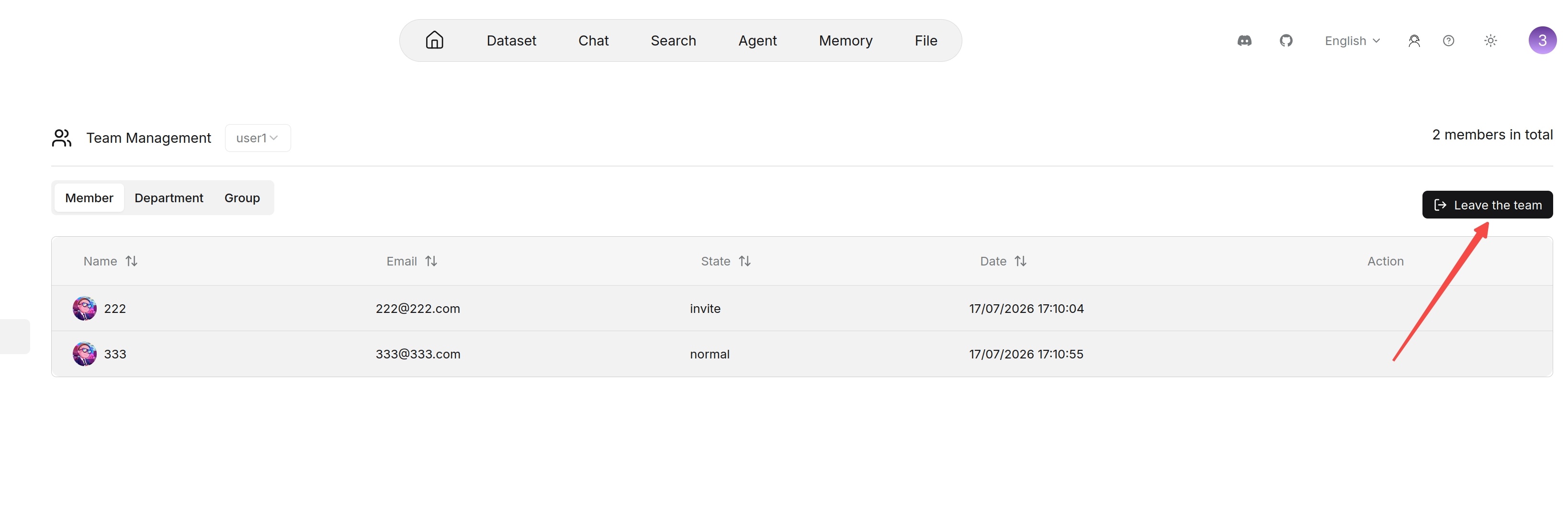
Leave a Joined Team
A user with the normal role can leave a joined team if the team is not the user's own workspace.
To leave a joined team:
- Open the Team page.
- Find the target team in the Joined teams list.
- Click the leave action.
- Confirm the operation.
After leaving a team, the team no longer appears as a joined team. The user can no longer access resources that are only shared within that team. The user's own workspace does not provide a leave operation.