Multi-model Comparison
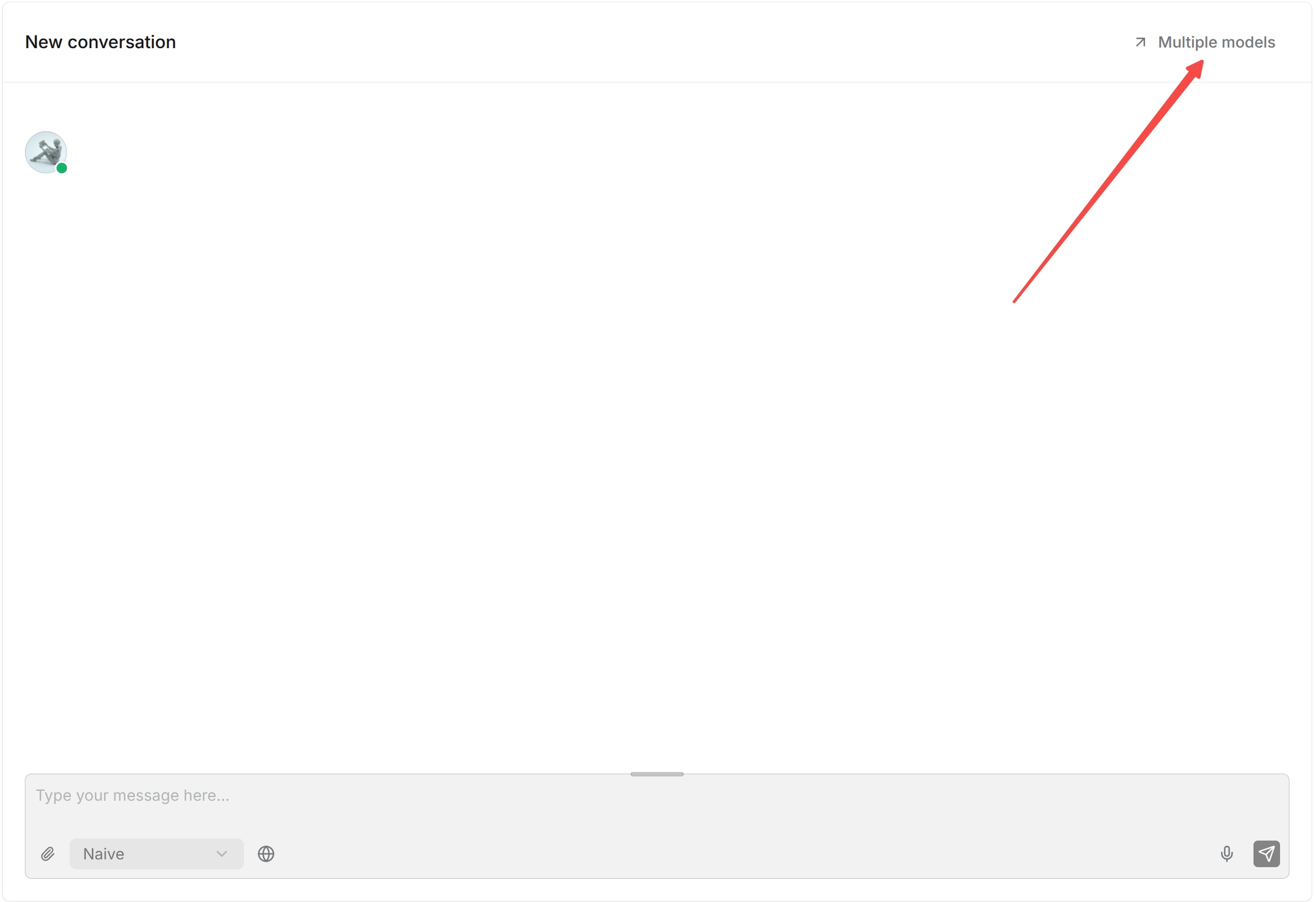
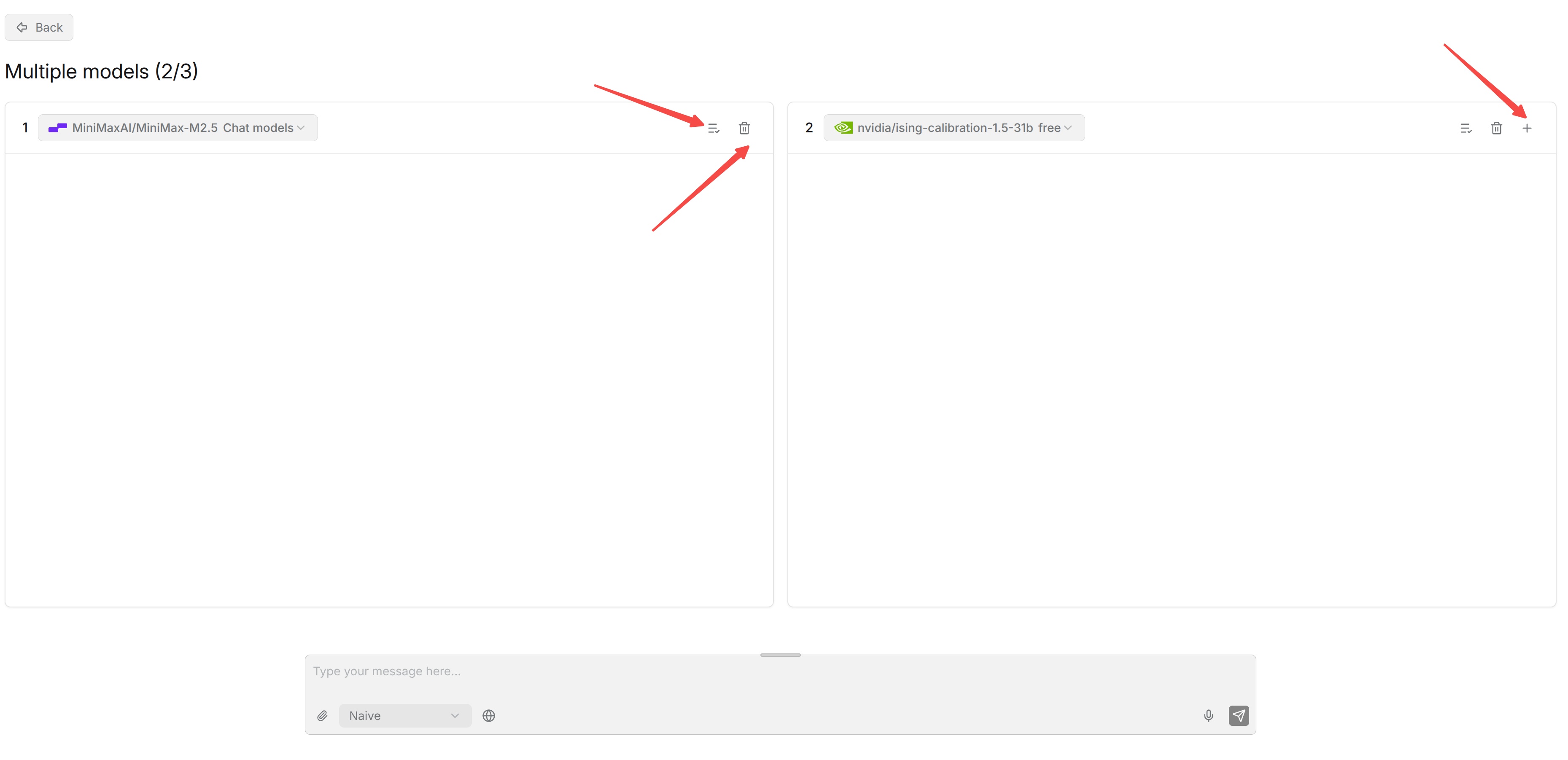
Multi-model comparison tests several models simultaneously with the same Chat configuration and the same question, then displays the answer generated by each model.
Select the models to compare, enter a test question, and run the comparison. Focus on whether each answer is accurate, whether it correctly uses knowledge base content, and how the answers differ between models.
Use representative questions from actual business scenarios instead of selecting a model based on a single question. Multi-model comparison is primarily intended for model selection and debugging. For example, after changing a model provider or model version, use the same questions to quickly compare the practical performance of the old and new models.