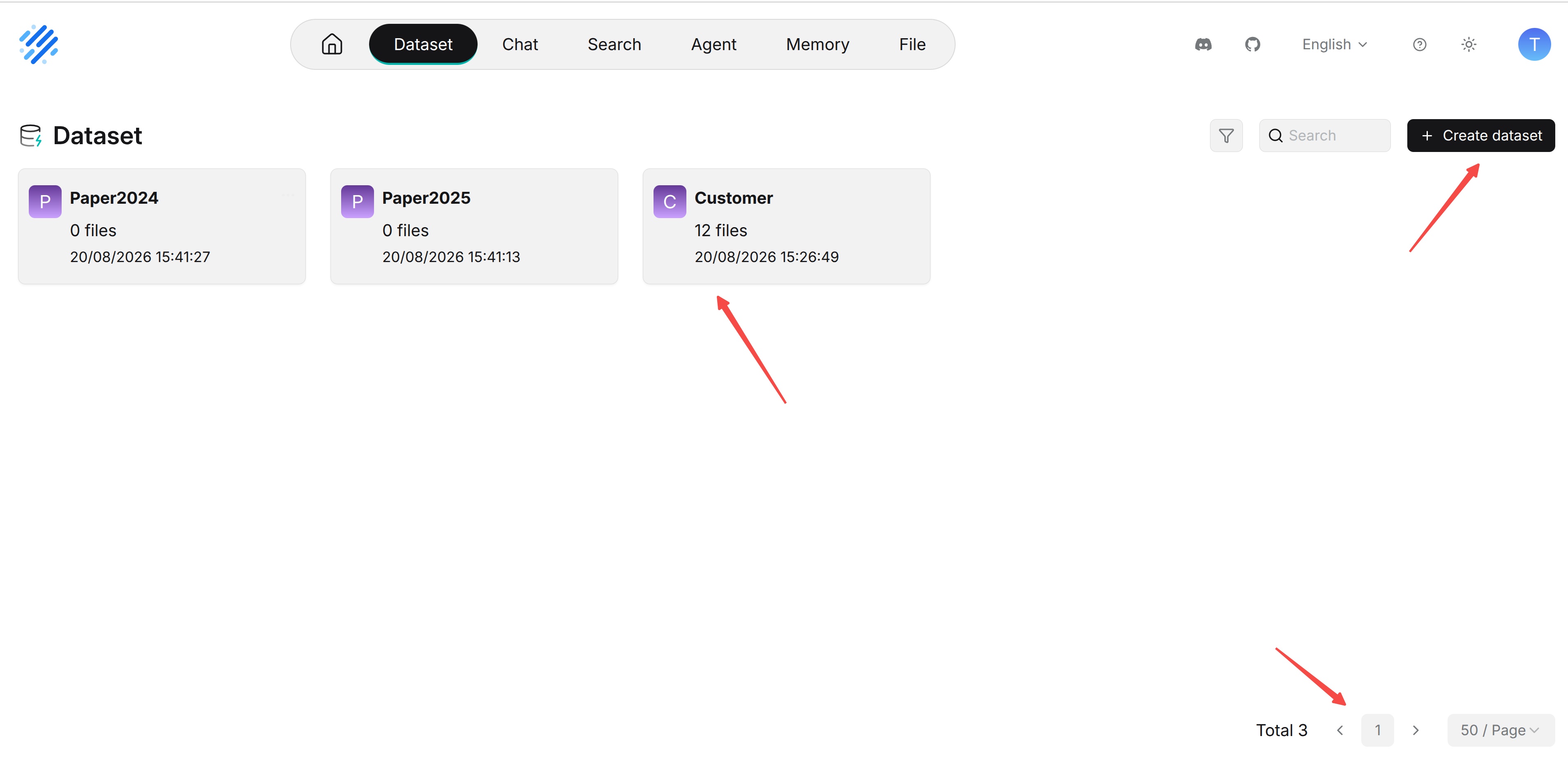
Dataset List and Creation
Create Dataset
Click Create dataset on the dataset list page, then complete the following settings:
- Enter Name.
- Select an available Embedding model.
- Open Parsing mode and select a built-in template, such as General, or expand an ingestion pipeline previously created in Agent and select the published version you want to use. Built-in templates and custom pipelines appear in the same dropdown. A saved pipeline draft cannot be selected for parsing; if the pipeline shows No published versions, publish a version in Agent first.
- Click Save, then review the dataset's Configuration before uploading documents.
View Dataset List
After entering Datasets from the top navigation bar, the page displays the datasets accessible to the current user as cards, including datasets created by the user and datasets shared by other users. Each dataset card displays basic information such as the dataset avatar or initials, name, document count, and creation time, making it easy to quickly understand the dataset content and status.
Click a dataset card to enter its detail page and view and manage documents, chunks, and related configuration. If there are many datasets, use the pagination feature at the bottom of the page to switch pages and adjust the number of datasets displayed per page.
Click Create dataset to create a new dataset. During creation, configure the dataset name, embedding model, document parsing method, and other information.