Embed Agent into webpage
You can use iframe to embed an agent into a third-party webpage.
- Before proceeding, you must acquire an API key; otherwise, an error message would appear.
- On the Agent page, click an intended agent to access its editing page.
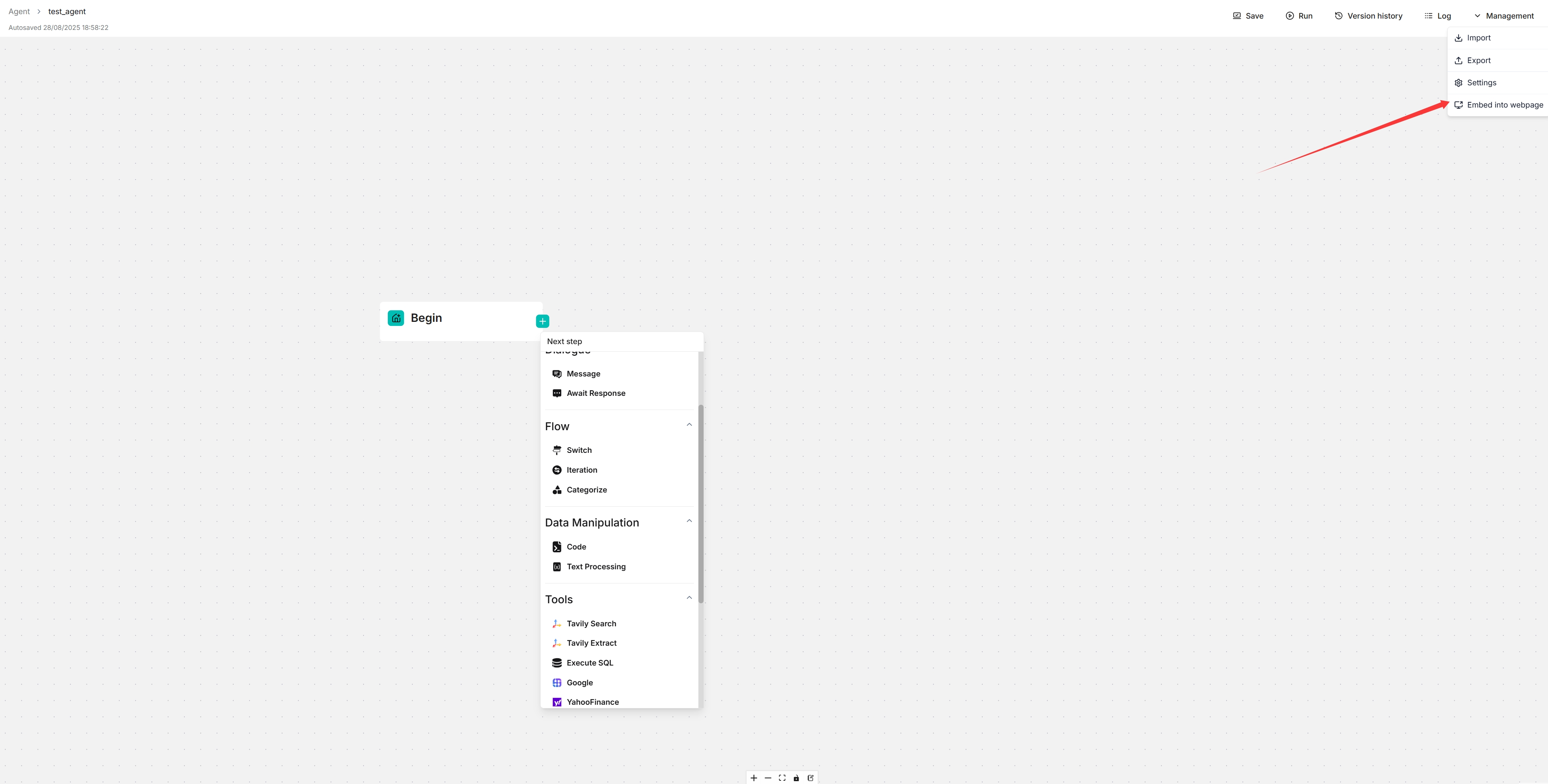
- Click Management > Embed into webpage on the top right corner of the canvas to show the Embed into webpage dialog.
- Configure your embed options:
- Embed Type: Choose between Fullscreen Chat (traditional iframe) or Floating Widget (Intercom-style)
- Theme: Select Light or Dark theme (for fullscreen mode)
- Hide avatar: Toggle avatar visibility
- Enable Streaming Responses: Enable streaming for widget mode
- Locale: Select the language for the embedded agent
- Copy the generated iframe code and embed it into your webpage.
- Chat in new tab: Click the "Chat in new tab" button to preview the agent in a separate browser tab with your configured settings. This allows you to test the agent before embedding it.