Before You Begin
Access the Admin UI
System administrators can access the RAGFlow Admin UI in a browser. The current Admin UI entry point is /admin, for example http://192.168.1.5/admin.
After entering the Admin UI, administrators can perform service health checks, maintain user accounts, configure sandboxes, control registration, manage roles and permissions, configure system settings, and configure identity providers. The Admin UI should be exposed only to trusted administrators.
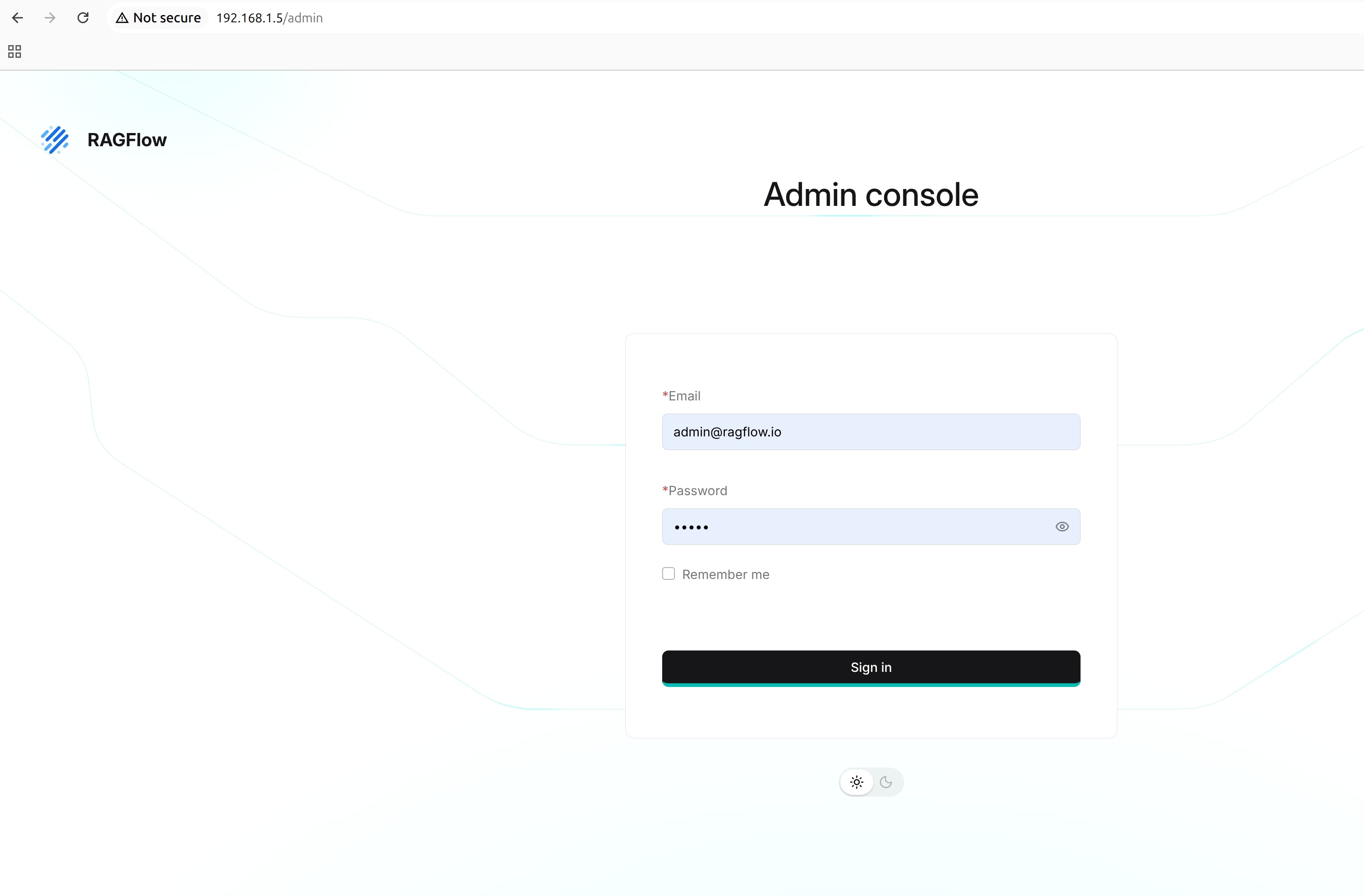
Regular users do not need to enter the Admin UI when they use business features such as knowledge bases, chat, Agent, files, and model providers.
Initial Administrator Account
When the Admin service starts with --init-superuser and no superuser exists, it creates the default administrator account admin@ragflow.io with the initial password admin. The option does not change an existing superuser account or reset its password.
This account is used to initialize the system and create subsequent administrator accounts. It is not recommended as a long-term shared daily operations account.
After the first login, reset the default password as soon as possible and create separate accounts for different administrators. In daily administration, grant the Superuser identity only to users who actually need Admin UI responsibilities.