Import and Export Agents
Import Agent
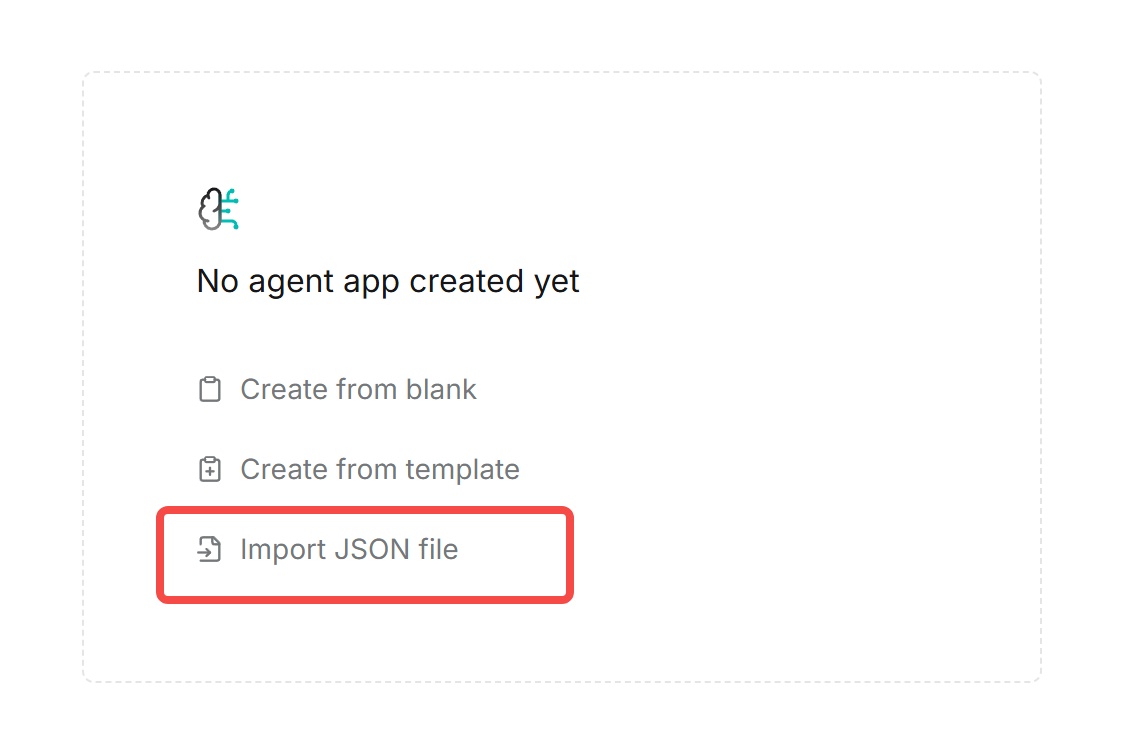
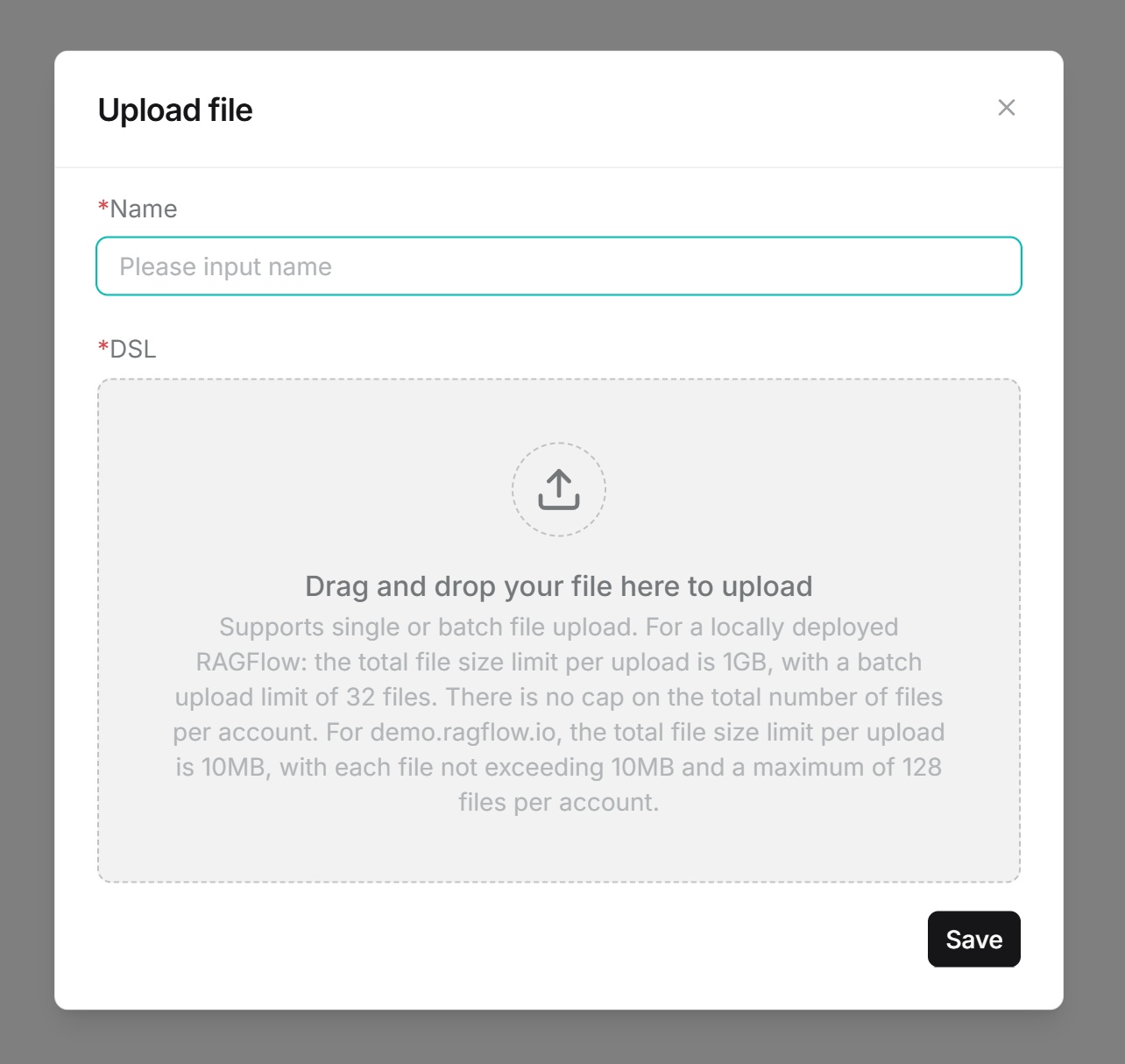
- First-time import: Upload the JSON file, fill in corresponding information, drag or click to upload the file, then save.
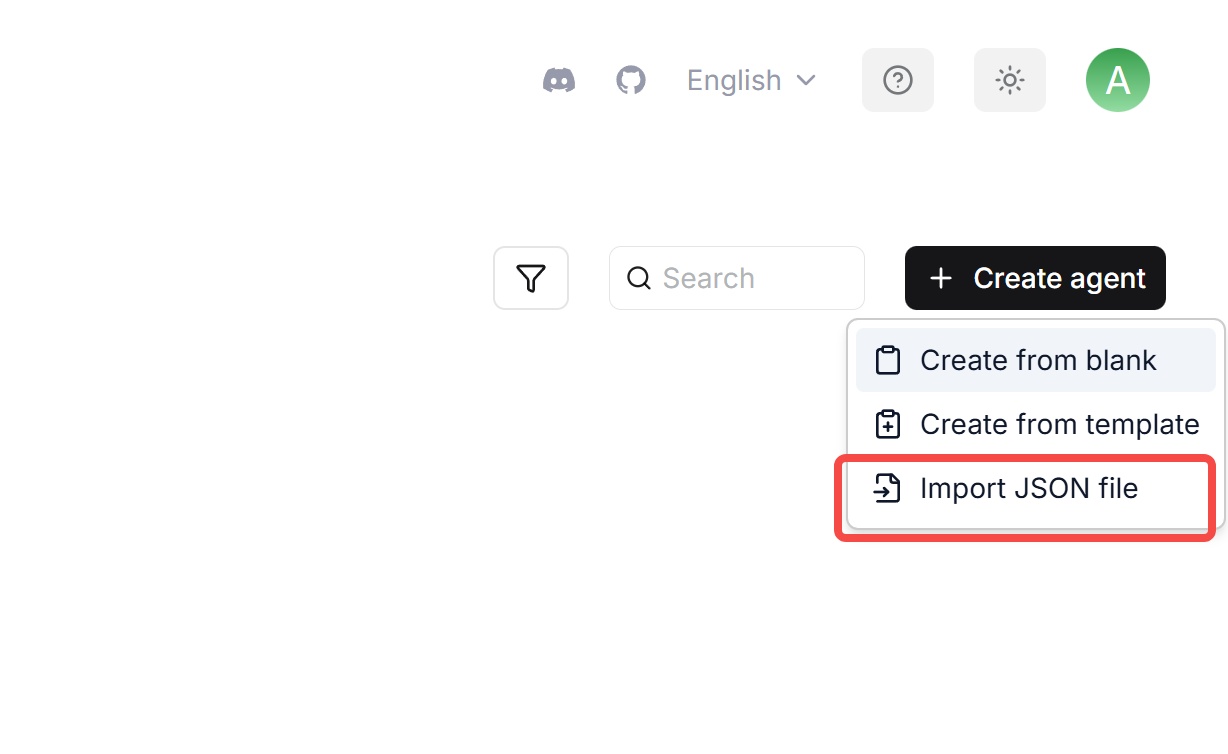
- Non-first-time import: Upload the JSON file, fill in corresponding information, drag or click to upload the file, then save.
Export Agent
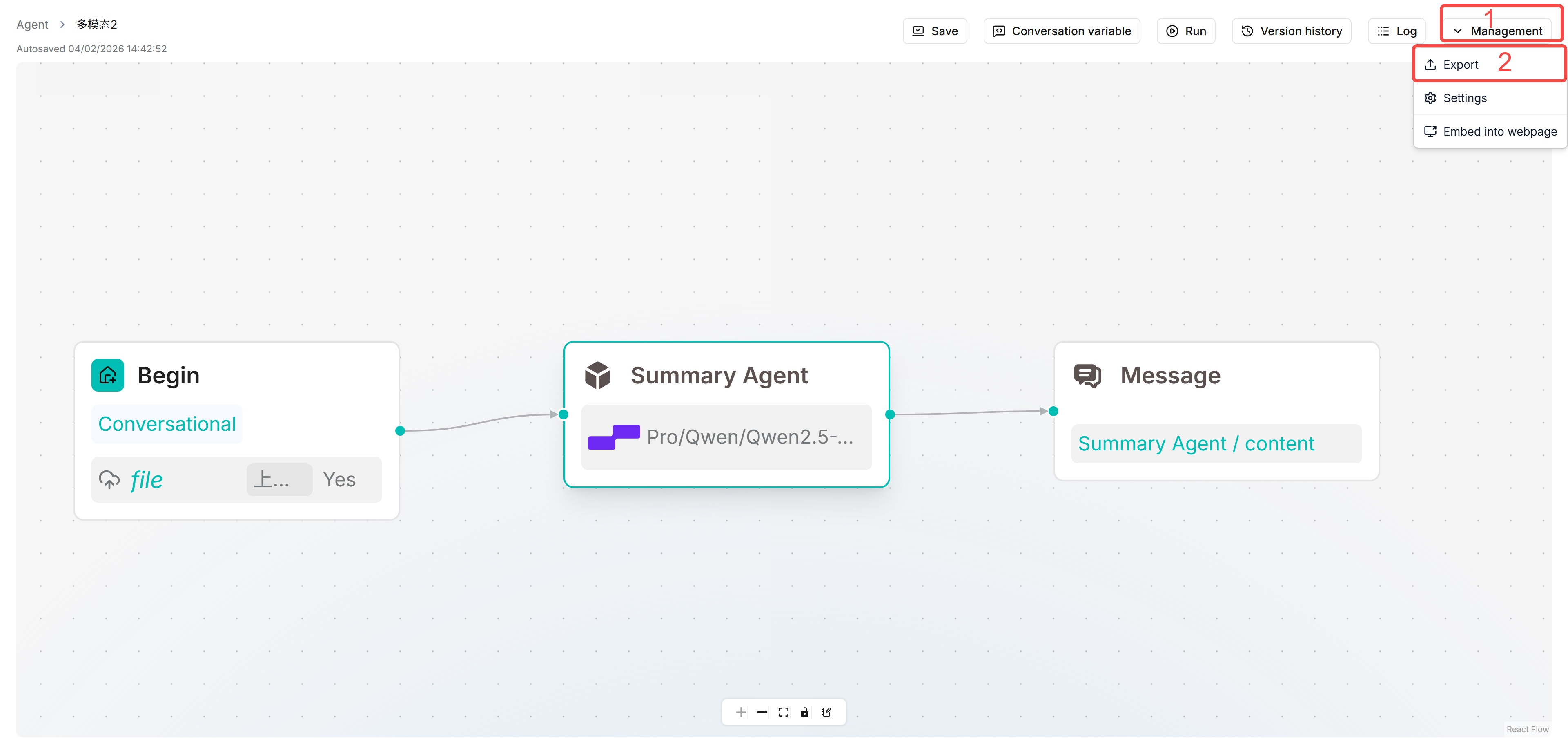
Open an Agent, click Manage in the upper right corner, then click export.