Embed into Web Pages
Embed Agent Via Webpage
You can embed the Agent into third-party web pages using iframe.
Prerequisite: You must obtain an API Key.
Steps:
- On the Agent page, click the target Agent to open its editing page.
- Click Manage > Embed Webpage in the upper right corner of the canvas to open the iframe window.
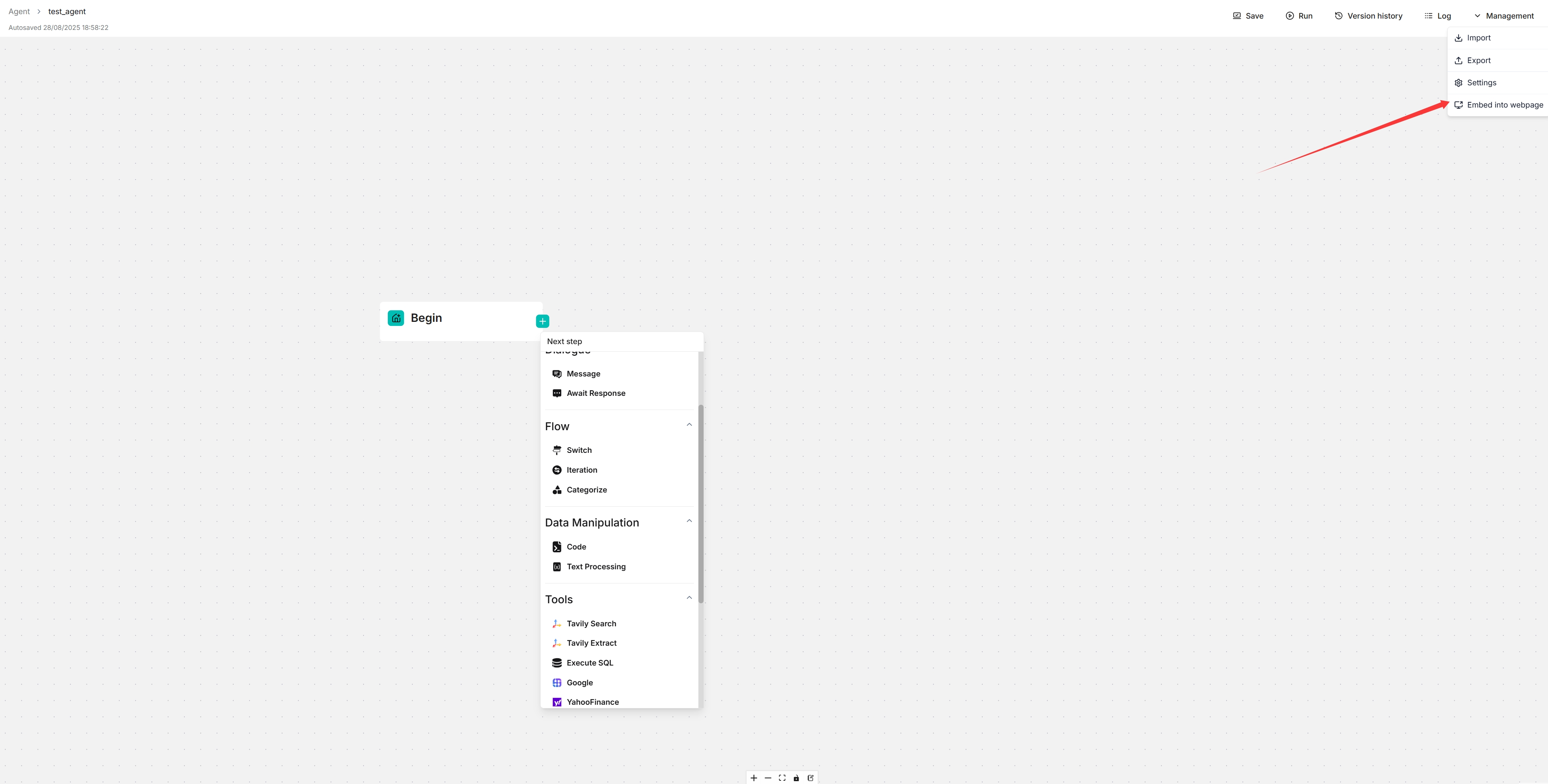 3. Copy the iframe code and embed it into your webpage.
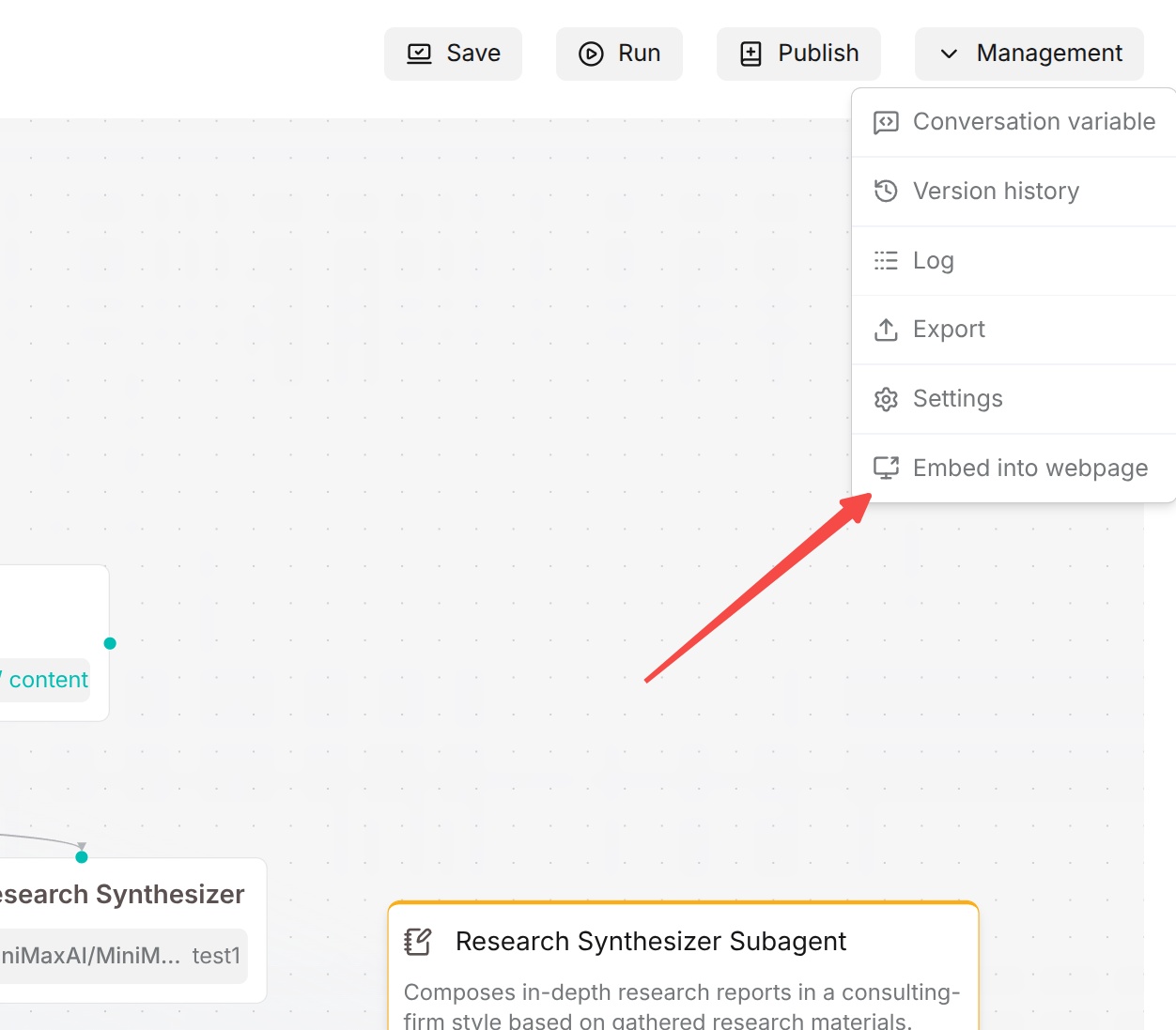
Note: Currently, only Workflow agents can be embedded in web pages. Ingestion pipeline and Compilation Operator agents do not support web embedding.